Indoor LiDAR Scanner with Laser Measurement

FJD Trion C1

From rooms to floor plans in minutes

Capture rooms, check critical dimensions, and turn the scan into an editable floor plan draft for renovation, design, and property documentation.

Start with a draft, not a blank drawing.

Capture up to 200 m² in as little as 3 minutes under recommended scanning conditions, then let Creative Portal create the floor plan draft.

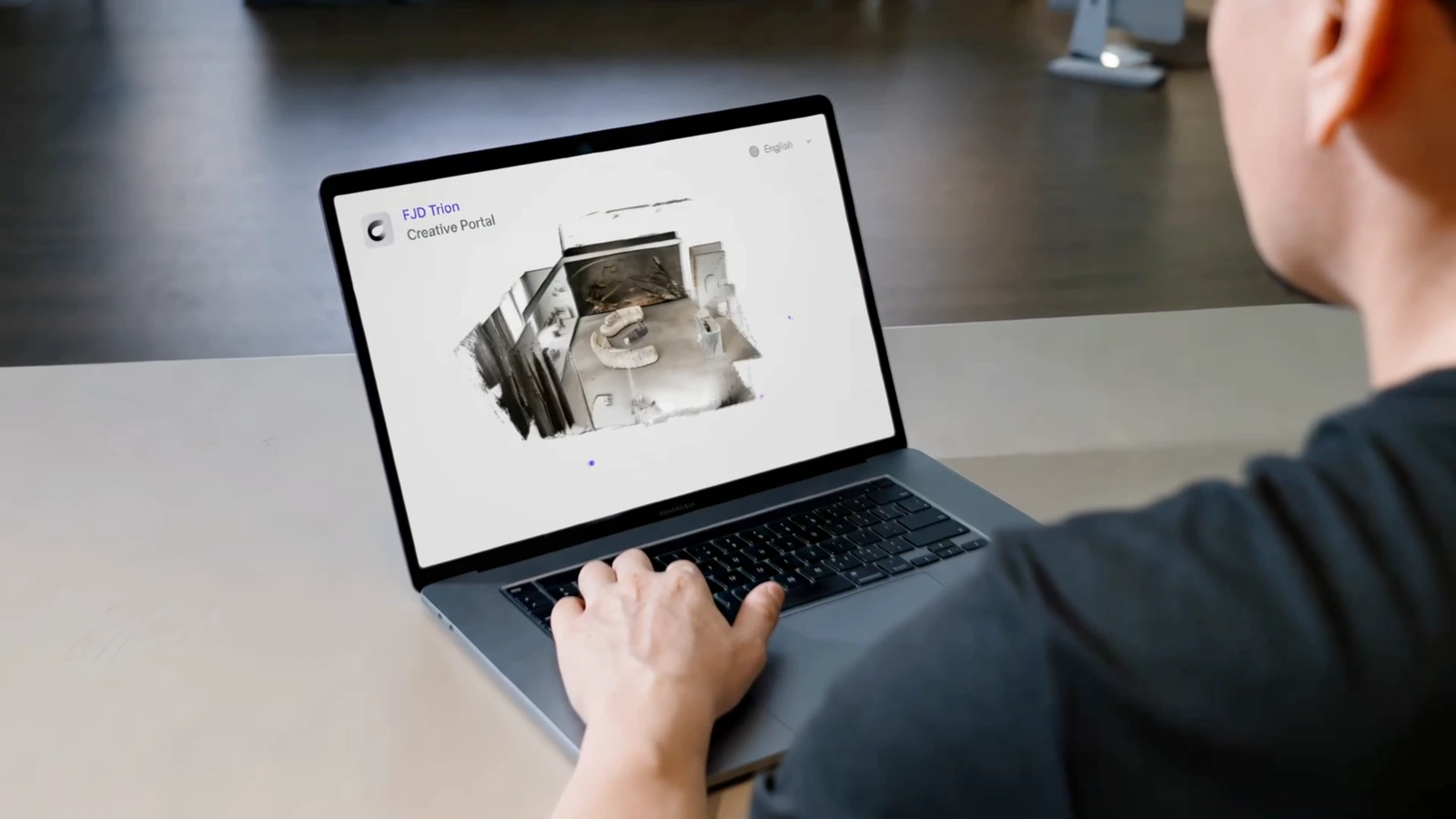
An operator reviewing an indoor scan in Creative Portal on a laptop

Spend less time on manual drafting.

The C1 and Creative Portal workflow can reduce manual drafting by up to 80%*. Put your time into refining the details instead of rebuilding every wall. Less drafting can help you prepare deliverables sooner and free up time for your next project.
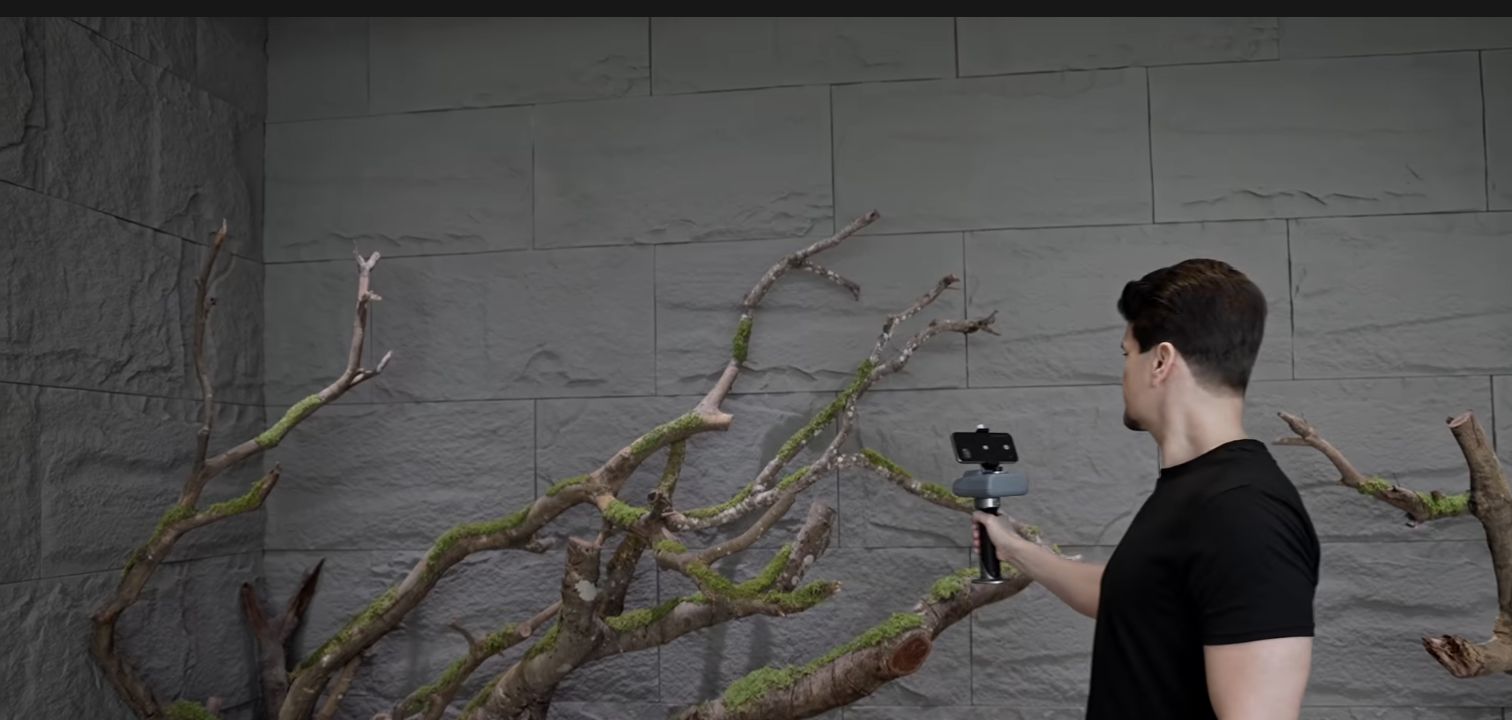
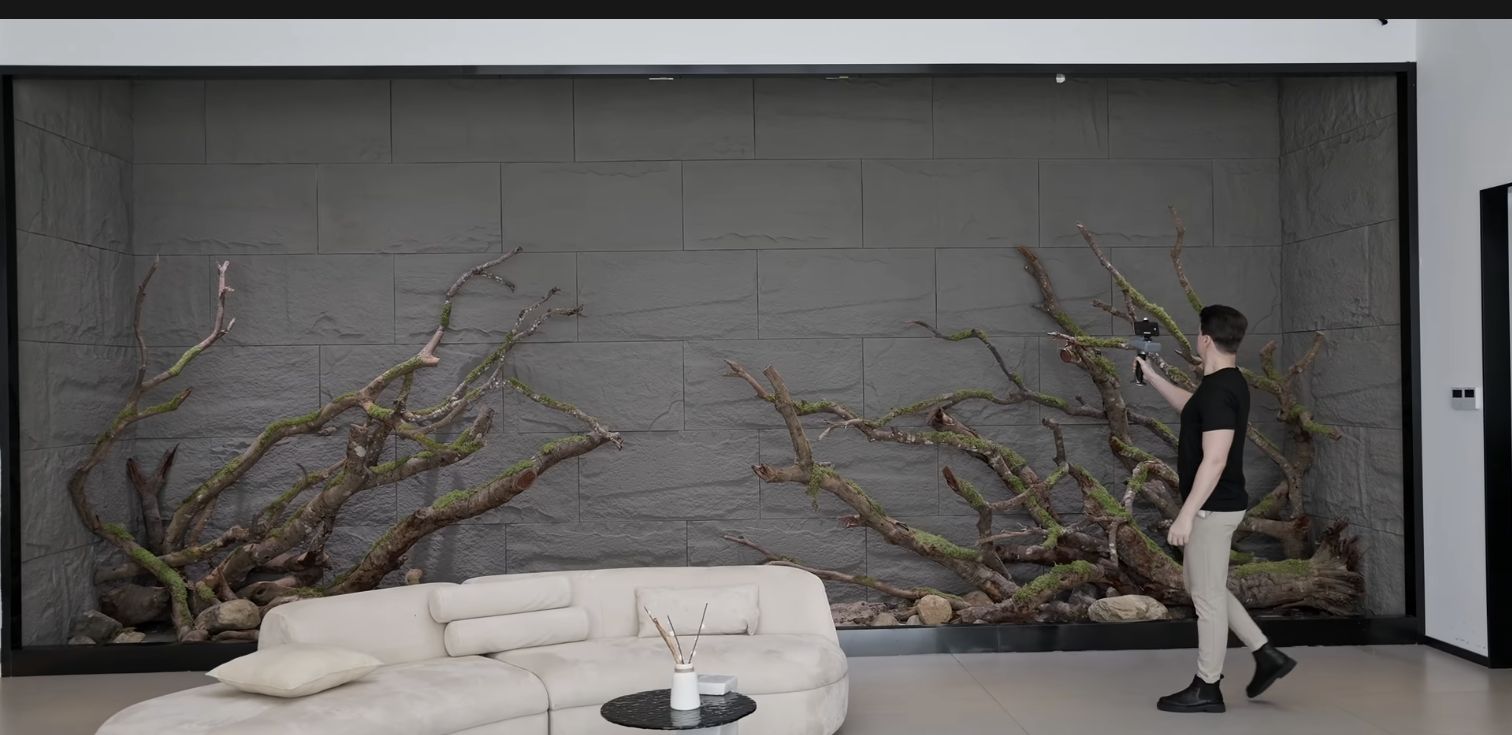
An operator using C1 beside an interior wall, from the official C1 product video

Scan the room. Check what matters.

LiDAR records the layout; the integrated laser checks critical dimensions without a separate meter. Fast capture and targeted checks stay in the same dedicated indoor tool.

*Based on FJD Trion internal tests of selected interior design projects, comparing conventional measurement and manual CAD drafting with the C1 and Creative Portal workflow. Scan speed and drafting savings vary with space complexity and the required deliverable.

Watch C1 in action

Open on YouTube ↗

A drawing to work on. A layout to discuss.

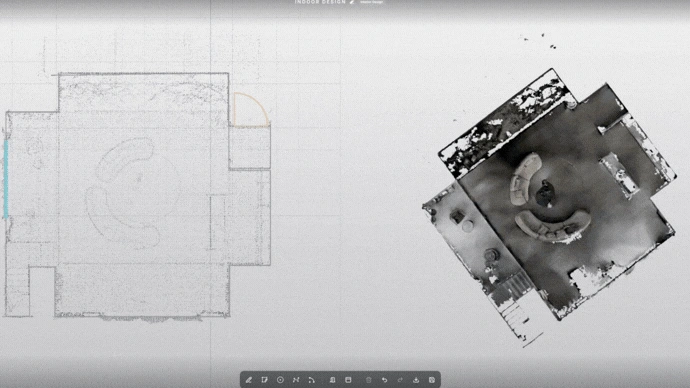
Creative Portal displaying an editable floor plan beside the captured room geometry

Give the next designer a head start.

Deliver an editable DXF floor plan for continued CAD work, with the existing layout already in place.

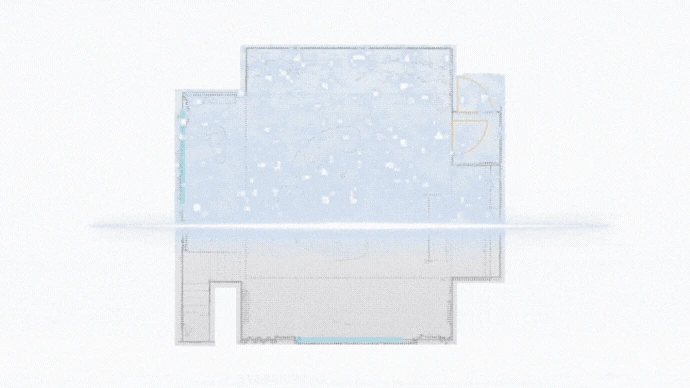
Floor plan view from Creative Portal showing the room layout

Make the space easy to explain.

A floor plan report puts the room arrangement and dimensions in front of the client. Keep the textured mesh as a visual reference when questions come up after the visit.

One connected floor plan workflow.

C1 and the Creative App handle the visit. Creative Portal handles the drawing.

  1. 01

    Scan

    Walk through the interior with C1.

  2. 02

    Verify

    Check coverage in the app and use the laser for critical dimensions.

  3. 03

    Upload

    Upload the captured project to Creative Portal for browser-based floor plan refinement.

  4. 04

    Refine

    Use the mesh to check walls, boundaries, and openings.

  5. 05

    Deliver

    Review the result and export the agreed files.

Dedicated hardware. Flexible software costs.

Choose C1 for recurring indoor work.

For design, renovation, and property teams who want a dedicated room-capture tool with built-in laser checks. Pair C1 with the Creative App on a compatible phone.

Buy now

Pay for processing when you need it.

The essential floor plan workflow does not require an annual software subscription. Buy Creative Portal credits as projects come in; consider Pro when your usage grows.

Explore Creative Portal plans
Questions, answered

Before you choose.

Is C1 a replacement for the design process?

No. It supplies captured geometry and a floor plan draft. Review the result against the project brief and verify critical dimensions before using it for detailed design.

Do I need an annual software subscription?

The essential floor plan workflow does not require an annual subscription. Creative Portal offers pay-as-you-go credits, with an optional Pro plan for regular users.

Can I use it for outdoor property surveys?

C1 is purpose-built for indoor measurement. For projects spanning indoor and outdoor areas, talk to our team to confirm the capture requirements and an appropriate setup.

Specifications
LiDAR point rate
230,400 points per second
LiDAR scan range
0.1-6 m at 10%-90% reflectivity
Post-processing accuracy
1 cm relative accuracy*
Depth field of view
140° × 56°
Laser distance range
0.03-60 m at 100% reflectivity
Laser accuracy
±3 mm*
Weight
950 g
Battery / charging
Up to 5 hours / approximately 2 hours
Operating temperature
0°C to 40°C

*Performance depends on scan conditions and method. Laser range and accuracy are separate from LiDAR scan performance. C1 is not waterproof.

Full C1 specifications and test conditions

Spend less time drafting your next project.

Choose a C1 package or discuss the rooms and deliverables you work with.